
PreciseEHR Guide
Advancing Tomorrow's Cures. Follow this interactive guide to download, set up, and verify your account seamlessly.
Where to Download
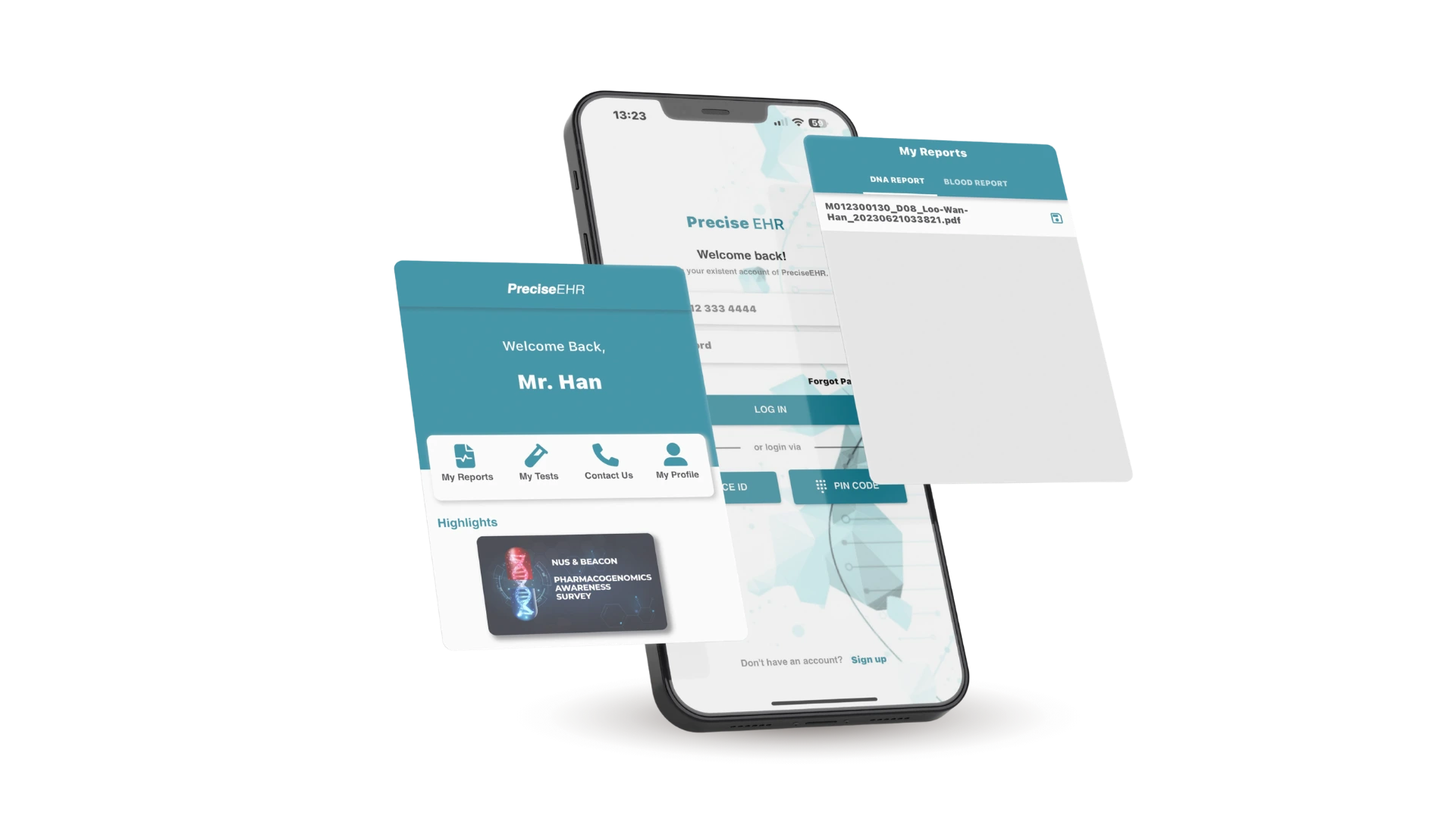
Search for "PreciseEHR" or scan the QR code for your mobile device platform


How to Create an Account
Complete simple registration steps to access health services
Open Application & Click Sign Up
Launch PreciseEHR on your mobile phone. On the main login screen, tap "Don't have an account? Sign up".
Fill Personal Details & Secure Password
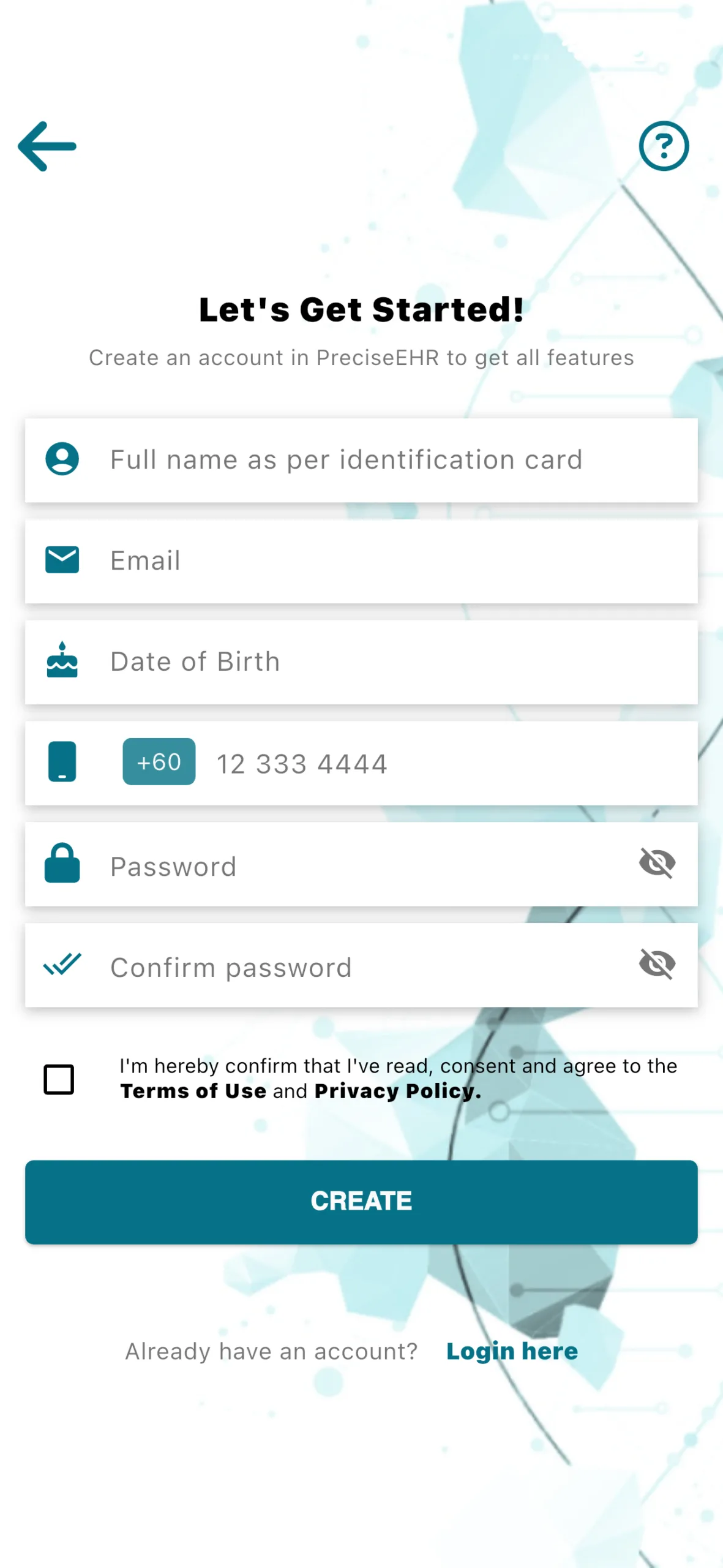
Enter full name as per NRIC/Passport, email, date of birth, and phone number.
- Min 8 characters
- 1 Uppercase letter
- 1 Numeric digit
Consents & Verification OTP
Check the boxes for Personal Data Protection Act (PDPA) 2020 Consent and Terms & Conditions. Tap "Create" to receive SMS/Email OTP code for verification.
Signing In
Multiple seamless login methods designed for speed and security
Mobile & Password
Log in using your registered mobile phone number (+60 format) and secure account password.
Face ID Authentication
Enable biometric login via Face ID for quick and secure hands-free access on supported devices.
6-Digit PIN Code
Set up a fast 6-digit PIN code to log in effortlessly without re-entering your complete password.
Identity Verification
Mandatory process to access sensitive diagnostic & lab test reports
1. Navigate to Screen
Go to Profile > Account & Security > Account Status, then click Update Your Documents.
2. Choose Document Type
Select either National ID (NRIC) or Passport depending on your official identity document.
3. Capture & Submit
Attach clear front & back photos of your NRIC, or front photo of your Passport. Tap Submit and await approval.
Interactive Verification Status Checker
Your application is currently being verified by our team (2-3 working days). Pull down screen inside app to refresh status.
